Record content
A Seal stores SHA-256 and BLAKE3 hashes of a record’s ID, type, and content in a consistent JSON form.
Export and verification
Take readable records, integrity details, and optional originals with you.
Darkroom is in alpha with no public app download. The standalone verifier is available on GitHub.
One folder: two PDFs, a manifest, and optional originals. Keep them together.
Readable prose and selected records. PDF images are rendered copies of the sources.
Record IDs, Seal state, content hashes, source details, and manifest identity, in the same record order.
The snapshot behind both PDFs: file composition, record selections, content, hashes, and sources. Its exact bytes define the manifest identity.
Optional decrypted copies of imported files, with their bytes preserved. Source-byte hashes are separate from record-content hashes.
Review Seal status, select records, and choose whether to include originals. Exported files are readable outside workspace encryption.


Seal
A stored content commitment for later comparison.
Seals and the security modelA Seal stores SHA-256 and BLAKE3 hashes of a record’s ID, type, and content in a consistent JSON form.
Working properties, display settings, and surrounding prose are outside the Seal. Original file bytes have separate hashes.
Export checks sealed content against its stored commitment. Unsealed records have export hashes, but no Seal commitment.
Worked example
Two sealed image records, exported with both originals.
Read the file’s prose and selected records.
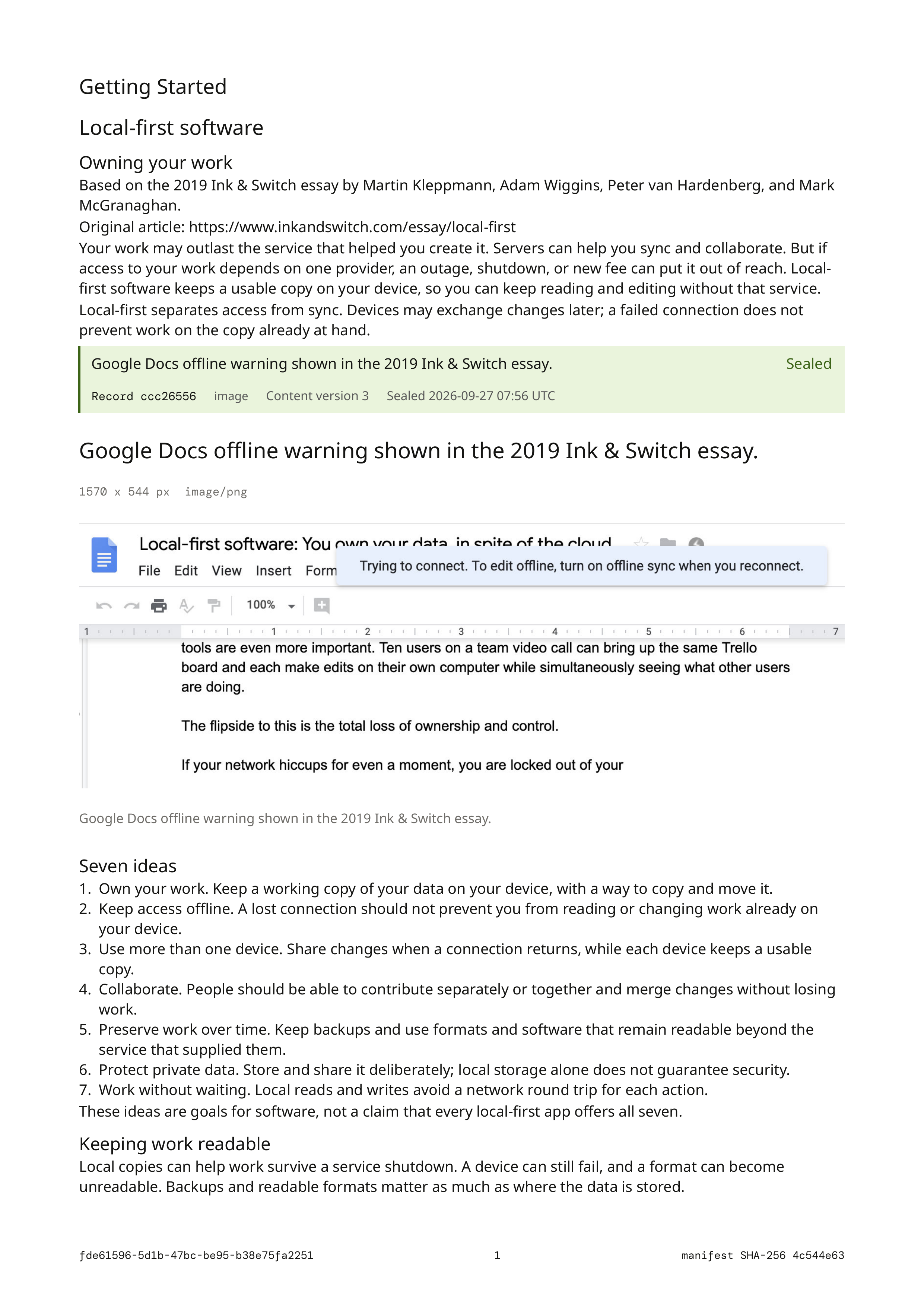
Review Seal state and integrity details.
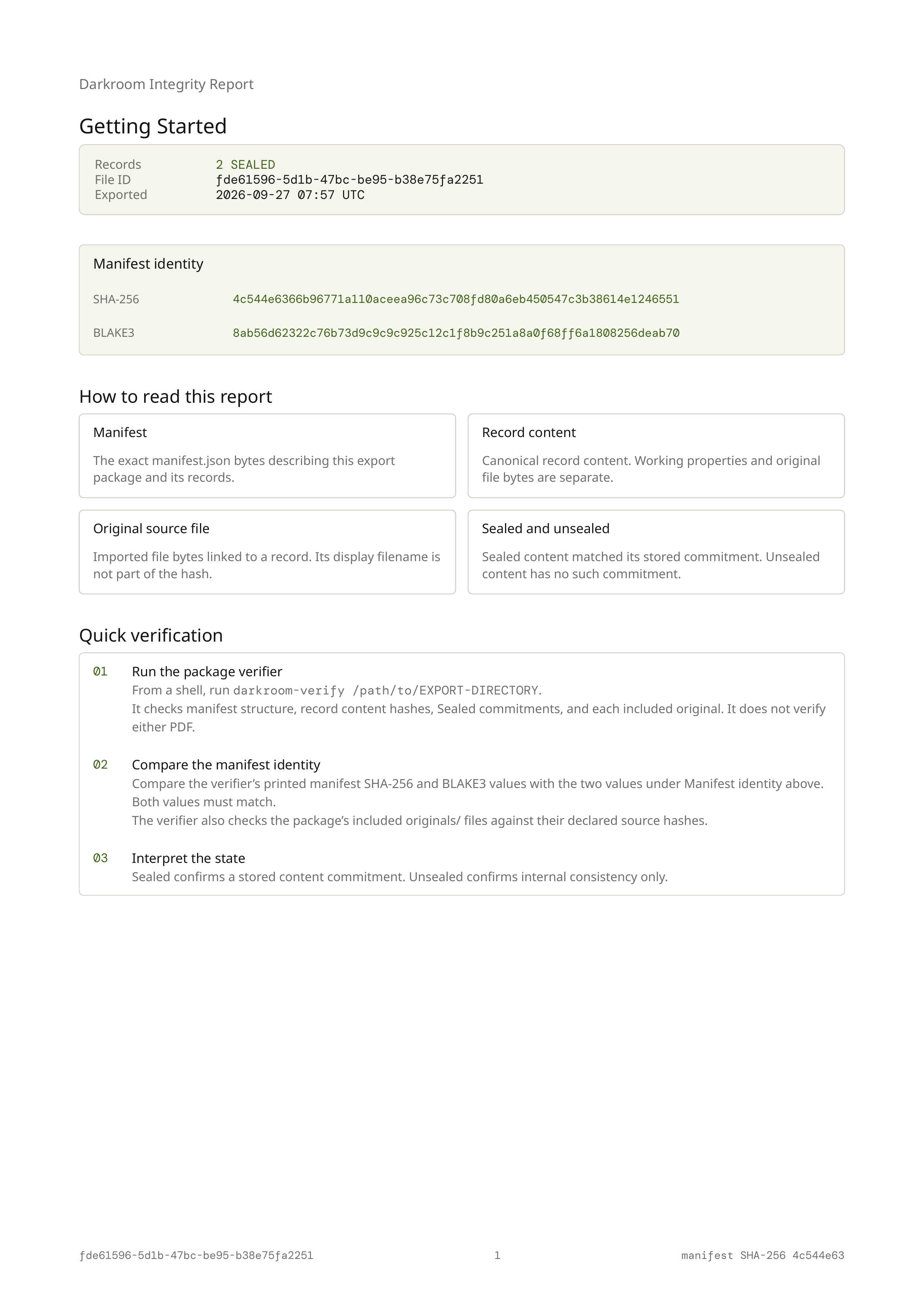
Both PDFs print the same SHA-256 and BLAKE3 manifest hashes.
Two record-content checks, two Seals, and two originals.
A pass checks package data. It does not verify PDF bytes or prove source truth.
Compare both full manifest hashes printed in the PDFs with the verifier’s output. The footer value 4c544e63 is only a short identifier. Matching printed values alone does not verify the package.
A local verifier run passed all six content, Seal, and original-file checks. Its manifest hashes matched the PDFs. PDF bytes and source truth were not verified.
Verification
The standalone verifier is publicly available on GitHub. It checks a local export without Darkroom, workspace keys, or a network connection.
Point it at the folder containing manifest.json. Every reported check must pass. Neither PDF is verified.
It validates schema version, records, IDs, source bindings, and table structure, then prints both manifest hashes. Compare them with a separately trusted manifest identity.
It recomputes record-content hashes and, for sealed records, rebuilds the Seal from the ID, type, and content. Both stored hashes must match.
It checks originals against declared source hashes and validates folder entries. Absent originals are reported as missing, even when deliberately omitted.
The boundary
A pass confirms consistency with the package’s declared hashes and Seals.
It does not verify PDF bytes or how faithfully a PDF renders the manifest.
It checks internal consistency; it cannot supply a trusted package identity.
It cannot establish authorship or trustworthy export and Seal times.
It cannot establish source accuracy, completeness, or integrity before import.
It cannot recover omitted records.
It does not establish the integrity of the app, unlocked session, or computer.
Export FAQ
The standalone verifier is publicly available on GitHub, with build and usage instructions. Darkroom is still in alpha. Alpha testing now includes macOS, Linux, and Windows test builds, but there is no public app download.
No. PDFs, manifest content, and originals are readable outside workspace encryption. Anyone with access to the folder can read them.
They are optional, but needed to inspect or verify source bytes. PDF images are rendered copies. The current verifier reports an absent declared original as missing, even if you deliberately omitted it.
Yes. Their export hashes allow an internal consistency check, but there is no stored Seal commitment to compare against.
For reading, yes. For package inspection, keep both PDFs and manifest.json together, plus any included originals. Verification needs the manifest and any declared source files.
No. A package and its declared hashes can be replaced together. A separately trusted manifest identity gives you a comparison point, but does not prove authorship or source truth.