Research and documentation
Keep notes, conversations, and source files close to the material they support.
About
Darkroom is a private workspace for organizing scattered or sensitive material on your Mac, where it stays encrypted.
Why I’m building DarkroomWho Darkroom is for
Darkroom is for people organizing material that is difficult to keep together, easy to separate from its context, or not meant for an online service.
Keep notes, conversations, and source files close to the material they support.
Organize related people, places, images, attachments, and structured details.
Keep a private, readable archive without placing the workspace in a hosted service.
The workspace
Organize material while keeping its context nearby. Records hold items such as contacts, conversations, attachments, images, places, and tables.
Your workspace is encrypted and stays on your computer. When material needs to travel, you can export a readable copy with its integrity details.
Record workflowPrivate access
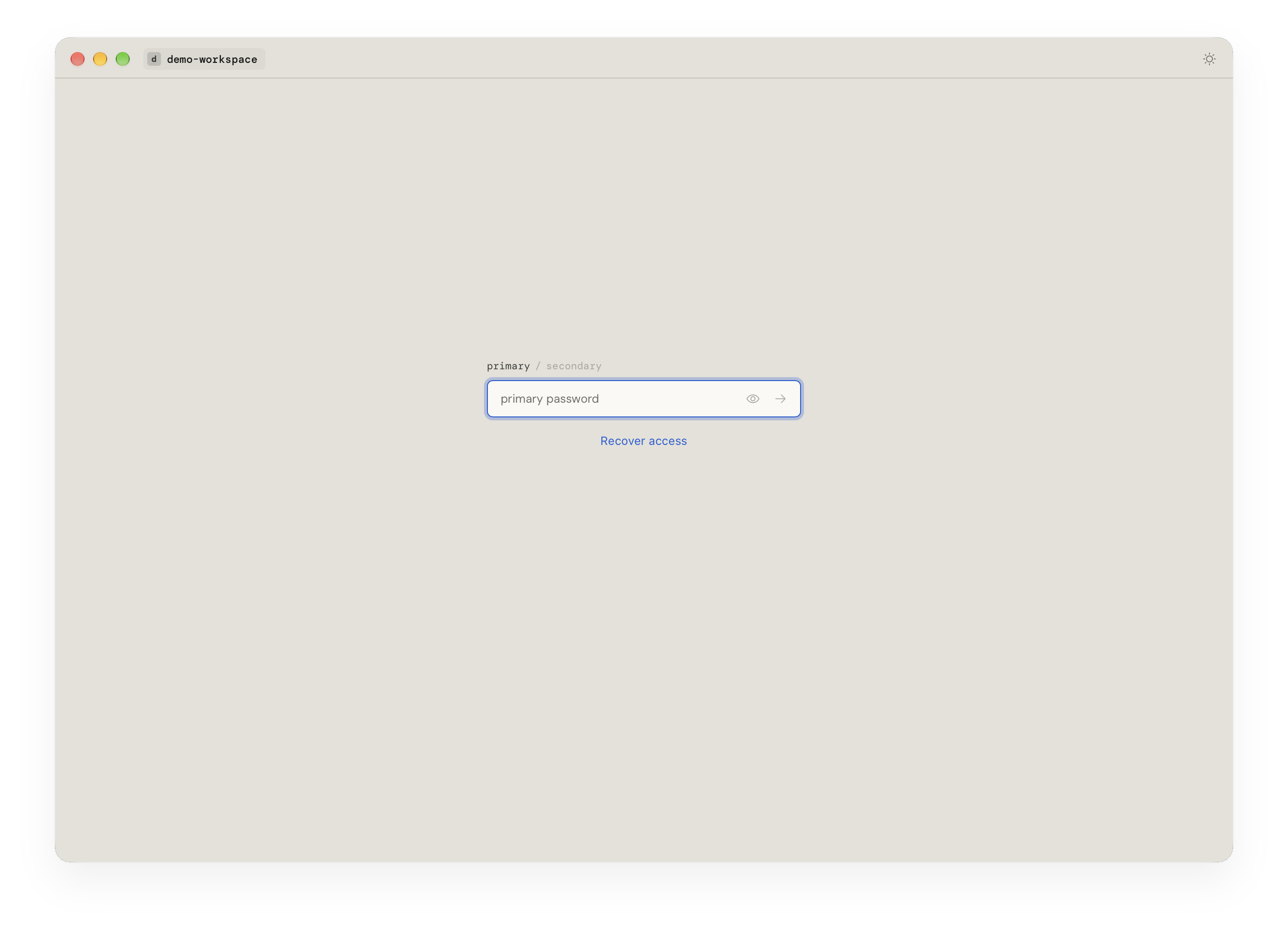
The app asks for a workspace password before opening your records. The same screen offers a recovery path.
Alpha and transparency
Early access
Early access is focused on individuals with work they already want to organize. Small teams or institutions interested in a focused pilot can describe their use case when requesting access.
Request an inviteA workspace is the encrypted folder where Darkroom keeps your collections, files, and records on your computer. You unlock it with your password to work with its contents. For example, one workspace could hold separate collections for different projects.
A collection groups related files and records inside a workspace. You might create one for a project or topic. Each collection keeps its own records and imported material.
A file is a document where you write notes and arrange references to records. A record holds an item such as a contact, conversation, image, attachment, place, or table. Files in the same collection can share a record; editing it updates its shared content. Imported attachments keep their original bytes in an encrypted workspace copy.
Not publicly yet. Darkroom is in alpha and is being prepared for a small early-access group.
A saved recovery code can reset your password using the workspace’s stored recovery credentials. If you chose external-only recovery storage, you also need the matching encrypted recovery file. Keep your recovery material safe and separate from the workspace. Recovery restores access to an existing workspace; it does not replace a backup of your data.
Sealing is separate from saving. It saves digital fingerprints of a record’s ID, type, and content and prevents content edits until you unseal it. Properties, display settings, and surrounding notes are outside the Seal. A Seal helps detect content changes; it does not prove who created a record or whether its source is true.